
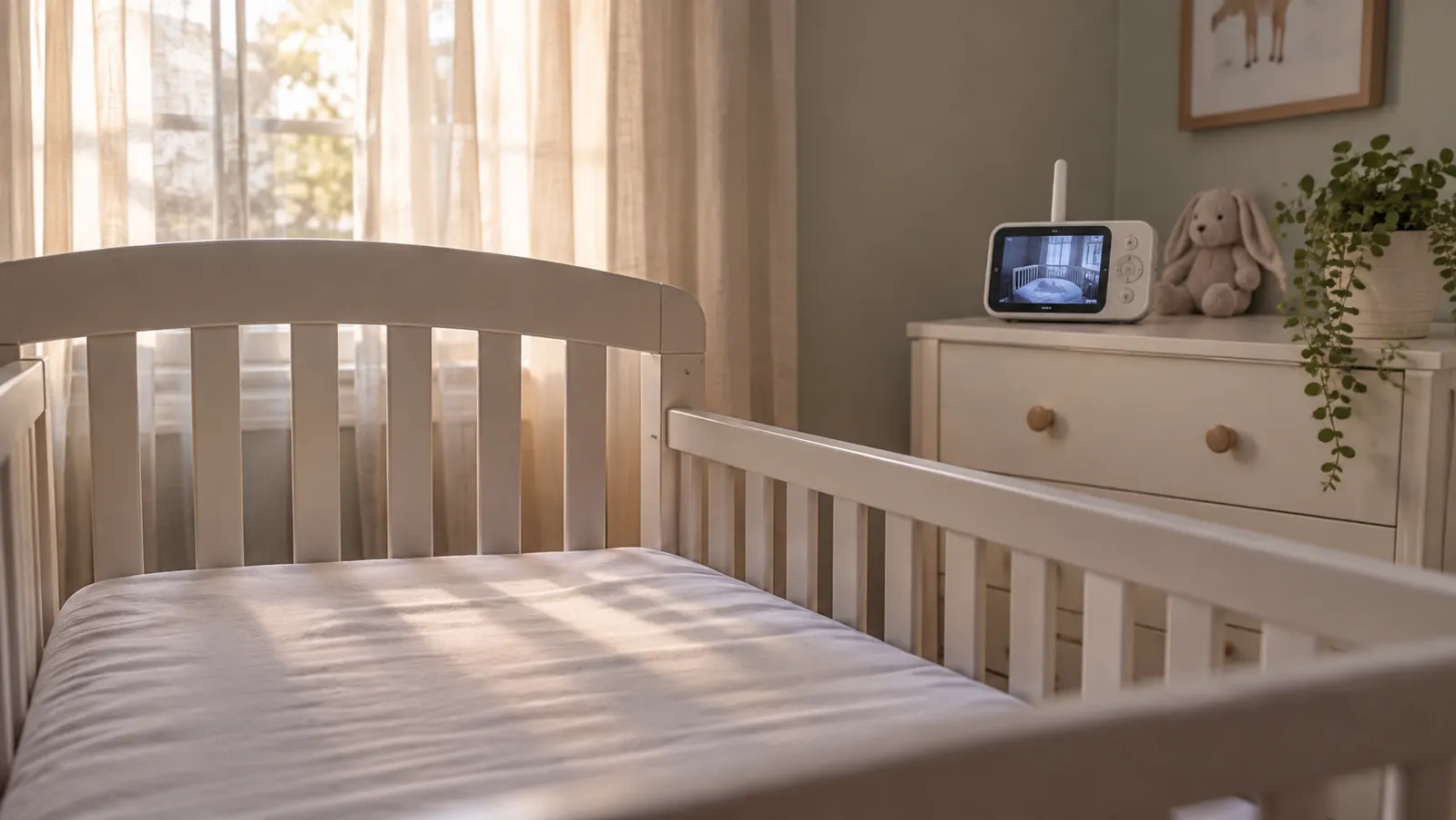
The HelloBaby 6 inch no-Wi-Fi video monitor is the one that ended up on our dresser, about seven feet from the crib, and it has stayed there through every nap since Milo was about two weeks old. I am Tessa. Milo is nine months now. We live in an older two story house in Dayton, and I am home with him all day. I bought the HelloBaby in January, three weeks before he was born, along with everything else on our list, and I have not replaced it. I have never owned a Wi-Fi baby monitor. I handled one at a friend's house and read a lot of listings, and that is the limit of my experience with them. So this is not a review of a product I slept with for a month. It is a comparison between the monitor I actually use and the category I decided not to bring into our nursery.
If you want the short answer, it depends on where you need to see your baby. The HelloBaby is better for a parent who wants a local video feed that does not run through an app, an account or the internet. A Wi-Fi monitor is better if you need to check in from work, from a trip or from another room in a house where the local signal does not reach. I chose the HelloBaby because I did not want a phone feed in my bedroom at night. That was a personal line, not a rule for every family. If Nate and I both worked outside the house and Milo had a sitter, I might have made a different call. For our house, with me home all day and Nate up at 5:30 for work, the simple local monitor has been the right tool.
| HelloBaby 6 inch No WiFi Video Monitor | Wi-Fi Baby Monitors | |
|---|---|---|
| Setup | Plug in the camera and parent unit, turn both on, and use the dedicated screen. No account and no app. | Create an account, connect the camera to home Wi-Fi, and manage the feed in an app on your phone. |
| Viewing away from home | No. You need to be within range of the parent unit. | Yes. If the camera and your phone both have internet, you can watch from another place. |
| Phone dependence | None for viewing. The parent unit is the screen. | The phone is the screen, so calls, notifications and battery level all matter. |
| Alerts | Audio and cry detection on the monitor. No push notification to a phone. | Push alerts to a phone, often with sound and motion notifications you can adjust. |
| Range | Local range that reached our kitchen, living room and basement laundry without a dropout. | Remote range over the internet, limited by your router, your service and the app. |
| Security and account | A local 2.4GHz FHSS link with no cloud account holding the feed. | The feed runs through a vendor app and cloud service. You depend on their security and your password habits. |
| Battery | The listing says 18 to 33 hours. I charge it every night. | The phone battery does the work, and video shortens it. The camera itself needs constant power. |
| Extra features | Remote pan 355 degrees, tilt 120 degrees, zoom, infrared night vision, two-way audio and cry detection. | Often includes app recordings, shared access, sleep logs and subscription features. |
| Cost over time | The monitor works without an app or account, so there is no app subscription in the path. | One purchase plus a possible subscription for some features, and an account to maintain. |
| Best for | A parent who wants a simple local video feed and does not want the nursery on a phone. | A parent who needs to check in from work or travel and does not mind app setup. |
Where HelloBaby Wins
The HelloBaby wins the setup contest, and it is not close. I plugged the camera in on the dresser, ran the cord down behind it, plugged the parent unit in, and turned both on. There was no account to create, no password to reset, no app update at bedtime. The listing says 2.4GHz FHSS, which is a local radio link, not our home Wi-Fi. I do not fully understand the engineering, but I understand the result: the monitor works when the internet is out. It also works when my phone is dead, which happens more than I would like. The parent unit is the screen. That is the whole system. For a tired parent, fewer steps at 2 a.m. is a feature.
The second win is the local feed. I am not logging into a cloud account to see my son, and the video is not traveling through a server to reach me. I still keep the camera off the crib and out of reach, because a cord is a cord. That is not a knock on Wi-Fi monitors. It is just one less account in my life. The battery is the third win. The listing says 18 to 33 hours, and my real use is about a day with the screen on and off. I charge it every night. It reaches the kitchen, the living room and the basement laundry without a dropout. I have not tested it at the back fence, because the VTech is the one that goes outside. In the house, the HelloBaby has been reliable.
Where Wi-Fi Baby Monitors Win
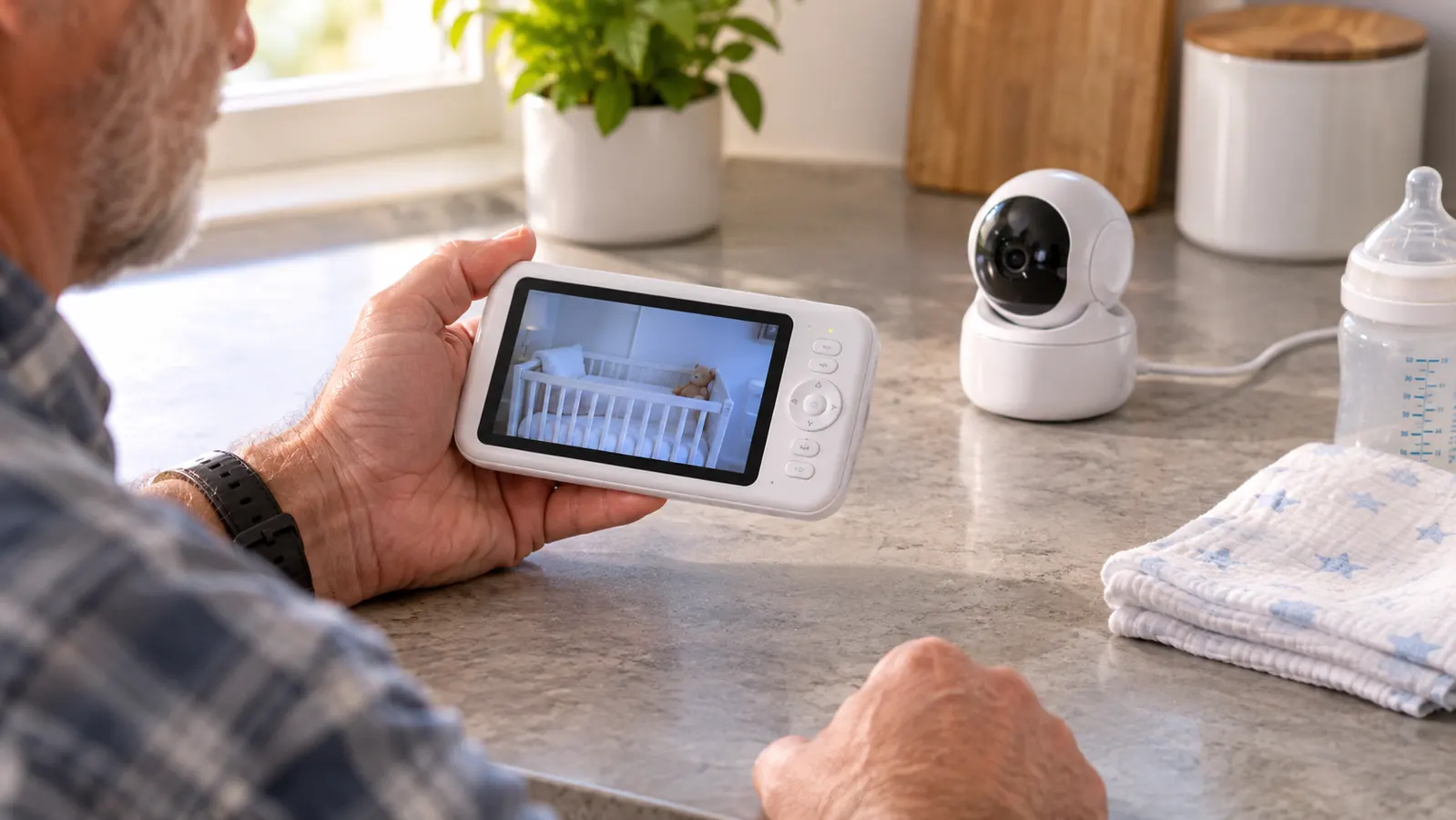
The Wi-Fi monitor wins the moment you leave the house. That is the honest trade. A Wi-Fi camera can send video to your phone over the internet, so you can look in from work, from a hotel or from your mother's kitchen in Erie. The HelloBaby cannot do that. It has no Wi-Fi and no app, which means no remote viewing. If your job takes you away during naps, or if a grandparent watches your baby and you want to peek in, the local monitor will feel limited. I have not owned a Wi-Fi monitor, so I am not going to pretend I know how every app behaves. I have handled one at a friend's house, and the basic idea is clear: the phone is the screen, and the feed follows you as long as both ends have a connection.
Wi-Fi monitors also win on phone alerts and shared access. Most of the listings I read push notifications for sound or motion, and many let more than one person watch at once. Some record clips or keep a sleep log, often with a subscription attached to the better features. That can be useful. When I was pumping at 3 a.m. in the first month, a phone alert would have saved me a walk across the hall. But it also means the monitor lives on my phone, and my phone is the same device that holds my texts, my email and a hundred small demands. I know myself. I would have watched the screen instead of sleeping. That is why I did not buy one. It is not because the Wi-Fi category is bad. It is because the features I would gain are features I did not want at night.
Want a video feed that does not live on your phone?
The HelloBaby 6 inch monitor gives you a dedicated parent unit, a local link and no app to open. It is the setup I use for every nap in our house.
Amazon Check Today's Price on Amazon →What Nine Months With the HelloBaby Has Taught Me
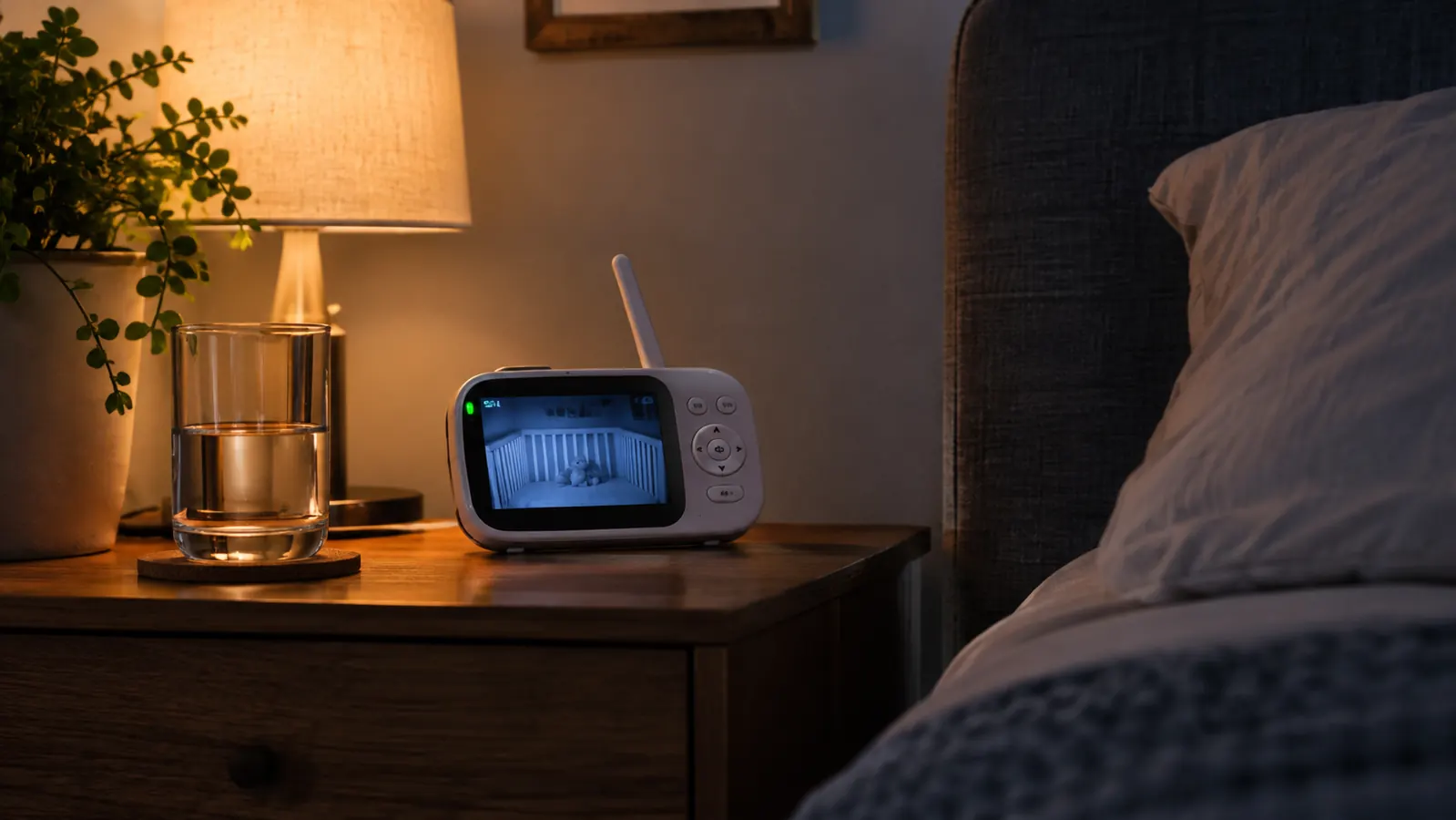
I have used the HelloBaby for every crib nap since Milo was about two weeks old, so about nine months. At night it sits on Nate's nightstand now that Milo is in the nursery, since mid August. I keep the VTech on my side because I stare at video and cannot settle. That is a me problem, not a monitor problem. The HelloBaby parent unit goes room to room with me during the day. It sits on the kitchen counter while I make coffee, on the living room arm while I fold laundry, and on the basement steps when I switch a load. The range has held in all three places. The camera sits on the dresser, seven feet from the crib, never on the crib and never within reach. The cord runs down behind the dresser. That was the setup I wanted: one screen, one job, no app. Milo still wakes some nights. The monitor does not fix that, and I would not pretend it does.
The HelloBaby reached the basement laundry without a dropout. The trade was simple: no app on my phone, no view from the grocery store.
The downsides are real and they have not changed. You cannot watch from outside the house. The pan and tilt take a few presses to get where I want, especially when I am half awake. The camera motor makes a small whirr when I pan. The battery needs a nightly charge. None of these are deal breakers for me. They are the reasons I would not call the HelloBaby perfect. If you need remote viewing, the missing feature is not a small one. It is the whole point of a Wi-Fi monitor.
The Setup I Did Not Want
I did not want an app on the feed. That was the line. I spend enough of the day with my phone in my hand. I did not want a notification, a login or a software update between me and a look at my son. The HelloBaby does not need any of that. The trade is that I cannot see him from the grocery store. I have made peace with that. If I am out, I am out, and Nate is home or my mother is watching him. The monitor is for the house. It is not a leash. That sounds simple, but it is the whole decision.
The other part is the camera placement. The camera is on the dresser, not on the crib. The cord is behind the dresser, not across the floor. I keep the crib firm and flat, with nothing loose, and Milo is on his back. No monitor prevents SIDS. No monitor is a medical device. The HelloBaby is a tool for seeing and hearing, not a health product. I say that because the monitor aisle can make a parent feel like the right camera is a safety device. It is not. It is a convenience. Dr. Bell has been clear with us about safe sleep, and the monitor does not change any of that. If you are worried about your baby's breathing or sleep, call your pediatrician. Do not buy a camera and hope.
What a Wi-Fi Monitor Would Change
A Wi-Fi monitor would change three things in our house. First, I could look in from the car, from the store or from Erie. Second, I could get a phone alert when Milo cries, which would matter if I were in the basement with the washer running. Third, Nate and I could both watch from our phones without passing a parent unit back and forth. Those are real conveniences. I am not going to pretend they are nothing. If you travel a lot, if you work nights and your partner is home, or if you have a sitter who is not used to a dedicated monitor, a Wi-Fi camera can be the more practical choice.
The cost is not only money. It is setup and attention. A Wi-Fi monitor needs a network, an account and a phone that is charged. It may need an update at the worst possible time. Some features may sit behind a subscription, and the feed may depend on the company that makes the app. I am not saying every Wi-Fi monitor is fragile. I am saying the chain has more links. In our house, the local monitor has one link: the parent unit and the camera. When the internet goes out, the HelloBaby still works. That is the version of reliability I wanted. If you need remote viewing, the extra links are the price of the feature.
Who Should Buy Which
Buy the HelloBaby if your baby's sleep happens at home and you want a dedicated screen that does not involve your phone. It fits a parent who is home during the day, who wants a local feed, and who does not need to check in from work. It also fits a house where the nursery is close enough for the parent unit to reach the kitchen, the living room and the laundry. That is our house. I have used it for nine months, and it has done the job I bought it for. The 6 inch screen is easy to see from across the room, the night vision has been enough to tell if Milo is awake, and the battery has lasted through a day of naps. I charge it at night. That is the routine.
Buy a Wi-Fi monitor if you need to see your baby from outside the house, if more than one person needs to watch at once, or if you want phone alerts and recordings. It is also the better choice if you travel often and want to check in from a hotel, or if your job keeps you away during naps. I have not owned one, so I will not tell you which app is best. I will tell you to read the listing for the things that matter to you: whether the feed needs a subscription, whether the app works when the internet is down, and whether you are comfortable with a cloud account. Those are the questions I would ask before I brought one into our nursery.
The monitor that stays in the house, and off your phone
If you want a local video feed with a dedicated parent unit and no app, the HelloBaby is the one I use every day. Check the current listing and see if the setup fits your nursery.
Amazon Check Today's Price on Amazon →