
The HelloBaby box sat on the kitchen table for four days before I opened it. I had washed every onesie twice, reorganized the dresser, and still could not cut the tape, because opening a baby monitor meant admitting there would soon be a baby in the next room and I would not be able to see him. When I finally did, out came a camera, a 6 inch parent unit, and two power cords. No app. No account. No Wi-Fi password to hunt for while holding a newborn. That is why I bought the HelloBaby in the first place, and after nine months of daily naps it is still the reason I would buy it again.
Setup itself is not the hard part. You will be powered on in about ten minutes. What the box does not tell you is where the camera should actually go, how to run the cord so it is not a hazard, and which of the monitor's modes to leave on at 2 a.m. when you are lying there watching a screen instead of sleeping. Here is how I set ours up, in the order I would do it again, with the parts I got wrong left in.
The monitor that runs on its own cord, not your Wi-Fi
6 inch IPS screen, no app, no account, night vision and a battery rated 18 to 33 hours. It is the one screen in our house that never asks for a password.
Amazon Check Today's Price on Amazon →Step 1: Pick the camera's spot before you plug anything in
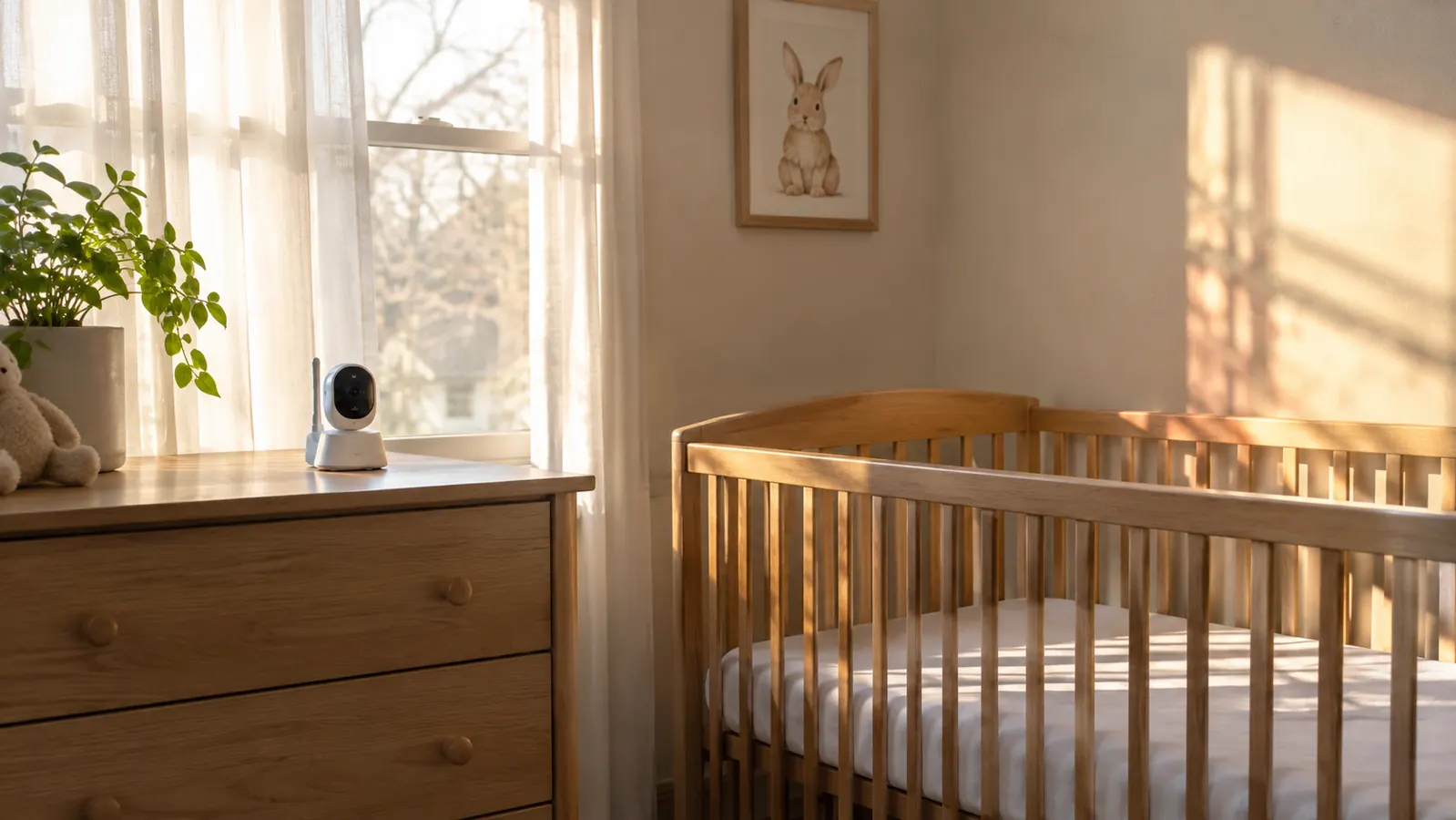
Take the camera out of the box, set it down, and leave it unplugged for a minute. Where the camera sits decides whether the whole setup works, and it is much easier to change your mind before there is a cord to reroute. Ours has sat on the dresser across from the crib since Milo was two weeks old, about seven feet back from the rail.
Seven feet is not a random number. It is close enough to see his chest rise and far enough that the lens takes in the whole crib instead of one corner of a sheet. The other reason matters more. The camera is not attached to the crib and it is nowhere near his reach, and safe sleep guidance is firm about cords near a crib. A camera clamped to a rail is exactly that. Keep it off the crib, off the rail, and off anything a baby can grab once he starts pulling up.
Skip the window wall if you can. The nursery window faces east and the morning sun hits that wall hard. An infrared camera pointed at a bright window gives you a white rectangle with a crib somewhere inside it, and that is the nap you most want to see. The inside wall, or a dresser that is not in direct sun, is the better home for it.
Step 2: Run the cord like it is the most boring thing in the room
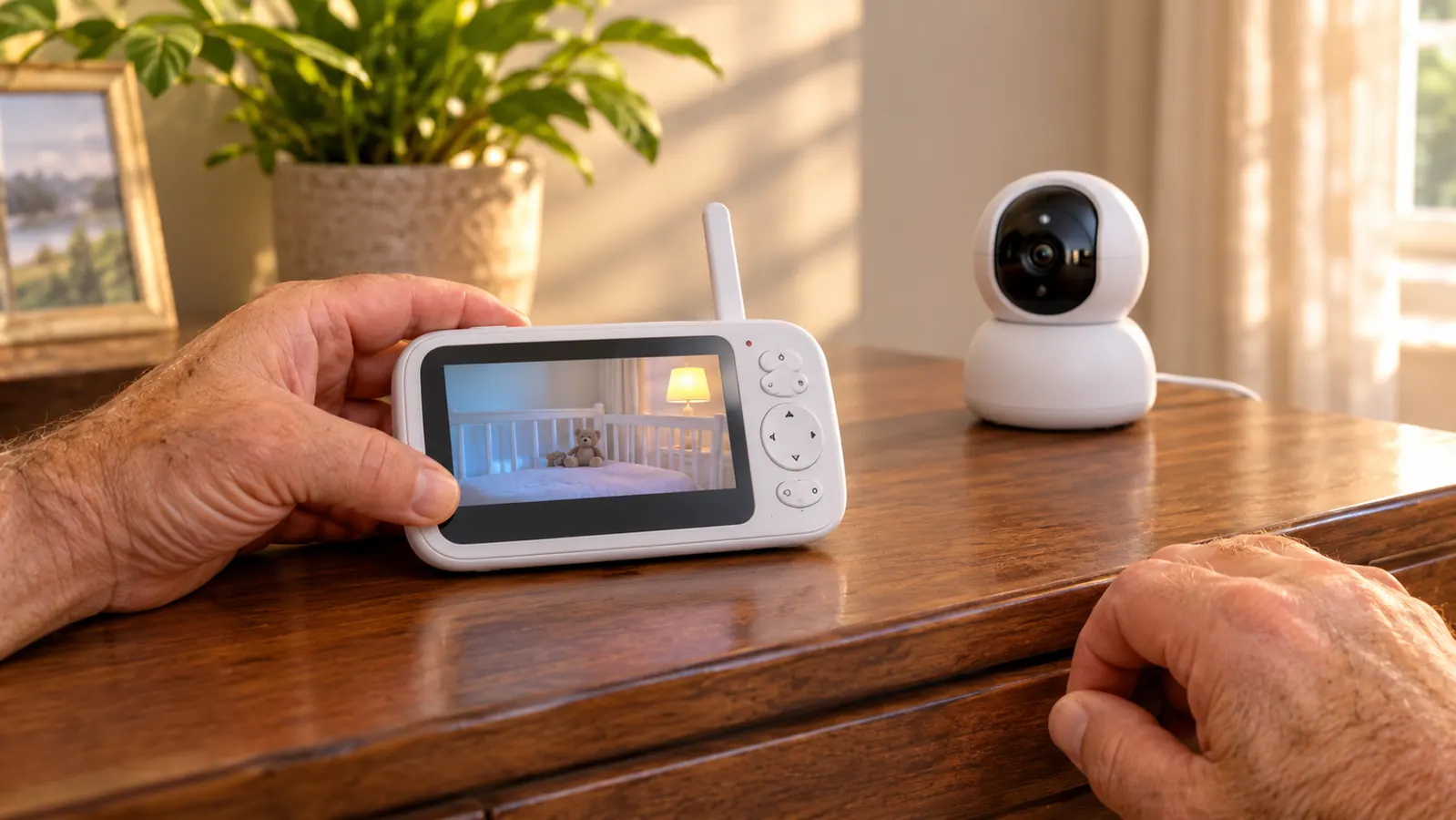
The camera cord goes down the back of the dresser and into the outlet behind it, which leaves about two inches of cord visible where it meets the wall. That is the whole job. No loops, nothing draped over a rail, nothing lying across the floor between the dresser and the crib.
The camera sits on its own base on top of the dresser and that is how it has stayed for nine months. It can be wall or ceiling mounted if your room has no good surface, but a wall mount means a cord running up a wall with a clip every few inches or it starts to sag. I never needed it and never once wished the camera were higher.
Then walk the room. Stand where you will actually stand at 3 a.m., look at the screen, and check that the crib is centered and the door is visible. If it is not, move the camera now, while the cord is still loose in your hand and the whole thing takes ninety seconds instead of a Sunday morning.
Step 3: Learn the pan, tilt and zoom in daylight, not at 2 a.m.
The camera pans 355 degrees and tilts 120 degrees from the parent unit, and there is a zoom. All of it is useful, and none of it is intuitive at 2 a.m. with one eye open. Pan the room in the afternoon. Find the far corner of the crib, find the door, find the spot where the cat sleeps on the rug. Then point it back at the crib and leave it alone.
The motor makes a small whirr when it moves. The first time I heard it, I was sure it would wake him. It did not, and nine months of naps later it still has not, but I stopped panning while he was asleep anyway, because why borrow trouble. If you want a camera that never moves, this is not that camera, and you should know it going in.
Two more small things to sort out before the first night. The menu takes a few presses to get anywhere, so learn it once while the baby is awake and someone else is in the room. And the temperature reading runs a degree or two off the thermostat in the hall. Treat it as a trend, not a measurement. I still glance at it. I do not trust it.
Step 4: Set the parent unit up for the way you actually sleep
During the day the parent unit comes with me. Kitchen, living room, basement laundry, all of it, with no dropouts, which was the one thing I worried about in an old house with thick walls. It sits on the counter while I make coffee and on the arm of the couch while I fold. That part is easy.
Night is where a video monitor gets complicated. I moved the parent unit to Nate's nightstand, because when it was beside me I watched the screen instead of sleeping. At night a camera shows you a gray-green rectangle and a small breathing shape, and I would lie there waiting for the shape to move. HelloBaby has an audio only power saving mode that turns the screen off and keeps the sound on, plus sound level LEDs that light up with how loud he is. Those two settings are the difference between a monitor that helps and a monitor that keeps you up. The video now lives on his side of the bed and a plain audio monitor sits on mine, and I sleep more than I did in September.
Then charge it every night, every single night. The listing says 18 to 33 hours and our real use lands around a day, closer to the top of that range in audio only mode. A monitor that dies at 4 a.m. is worse than no monitor at all, so the charger stays plugged in beside Nate's bed whether the battery needs it or not.
Step 5: Give the monitor one job and build the nap routine around something else
A monitor is not a routine. It cannot make a baby sleepy and it cannot keep him asleep. What it does is let you check without opening a door, and in a house with a creaky hallway that is worth something real. Our routine is feed, one book, light down, sound on, down awake. The camera watches the last part of that while I stand in the hall and talk myself out of going in.
What I stopped expecting from it: any kind of health information. It is a camera and a microphone. It does not track breathing, it does not measure oxygen, and it is not a medical device. If you are the parent who will lie awake watching a number, no monitor fixes that and this one will not either. That is a conversation for your pediatrician, and ours has had it with me twice.
The other thing it does not do is leave the house. No Wi-Fi means no app, so I cannot look in from the car or from an errand, and there is no account and no server holding a live feed of my son's crib. For me that was the trade I wanted, and it is the whole reason I chose this monitor. If you need to check in from work at 2 p.m., it is the wrong monitor and I would say so out loud.
What Else Helps
The monitor handles the seeing. A few other things in our nursery handle the sleeping, and none of them is a camera. The first is a sound machine. Ours is a Hatch on the same dresser, about seven feet from the crib, running Pink Noise at low volume with the light turned down to a dim warm glow. Naps started with it around six weeks old. The routine reset when Milo moved into the crib in mid August was built around it: feed, one book, light dims, sound on, down awake. The HelloBaby does not compete with that job and I never asked it to.
The second is a blackout blind. The nursery window faces east and by 7 a.m. the sun was landing on the crib wall, and naps in that bright room were twenty minutes long. The blind went up the week before Milo was born and has come down exactly twice, once for a wash and once for a weekend at my mother's house. It suctions to the glass, it looks plain from the street, and one corner lets go now and then on cold glass. It still does more for naps than any gadget I have bought.
If you are setting up two rooms, the HelloBaby can take a second camera and switch between them on the parent unit. I never bought one, because Milo sleeps in one crib in one room and I would rather keep the money. Worth knowing the option exists before you buy a second full system for a second room you are not using yet.
One more note about the Wi-Fi question, since it shapes the entire setup. I did not want an app or an account on a feed of my son's room, so a no-Wi-Fi monitor was the starting point and everything else followed from it. The trade is real and it is permanent: no remote viewing, ever. What you get back is a camera that works when the internet does not, which in our house happens more often than I would like.
And the part that matters more than every product on this page. Milo sleeps on his back, on a firm flat mattress, in a crib with nothing loose in it. No blanket, no pillow, no stuffed animal, no bumper, and no camera cord anywhere near the rail. If you are unsure about anything in your own setup, ask your pediatrician. Dr. Bell has answered that question for me twice and never once made me feel silly for asking.
The camera pans 355 degrees and tilts 120, and the motor makes a small whirr when it moves. In nine months of naps it has never once woken him.
One cord, one screen, nine months of naps, no app
6 inch IPS display, night vision, two way audio, remote pan and tilt, and a battery rated 18 to 33 hours. Set it on the dresser, run the cord behind it, and go to bed.
Amazon Check Today's Price on Amazon →